No. The lockout tagout app features a fully mobile LOTO procedure builder.
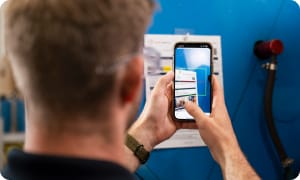
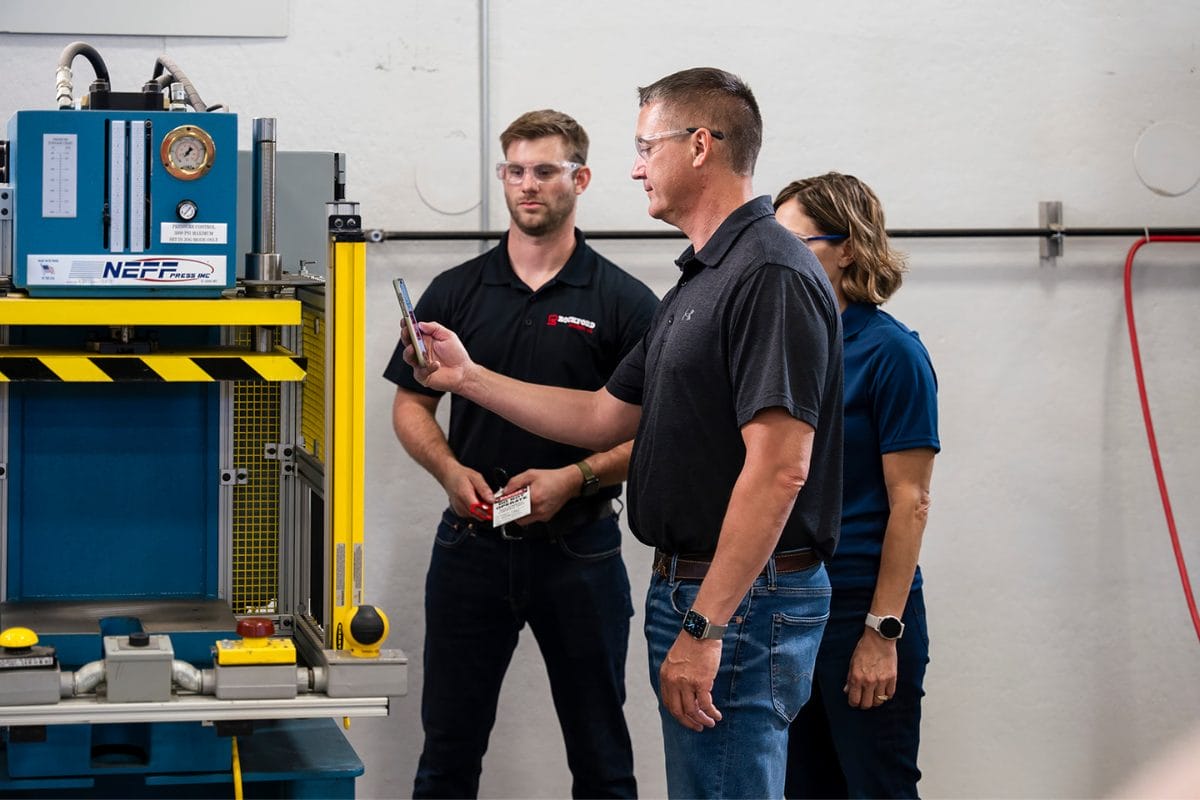
Build procedures directly at the machine. Users can log energy sources, attach annotated images, and enter verification and return-to-service steps from the mobile interface.
Can I edit a procedure after it is submitted?SSsupport2026-08-31T10:12:04-04:00
Submitted procedures can be edited by an approver prior to final sign-off. Once approved, a procedure is locked from direct edits.
If changes are required during a periodic audit, change the status to unapproved, update the steps, and resubmit for approval.
This process prevents having to recreate procedures. Updated procedures automatically receive a new ID and QR code to preserve historical records and version history.
How do I create a procedure report to attach to the machine?SSsupport2026-08-31T10:13:11-04:00
After creating a procedure at the machine with the mobile procedure builder, locate it on the main procedure dashboard.
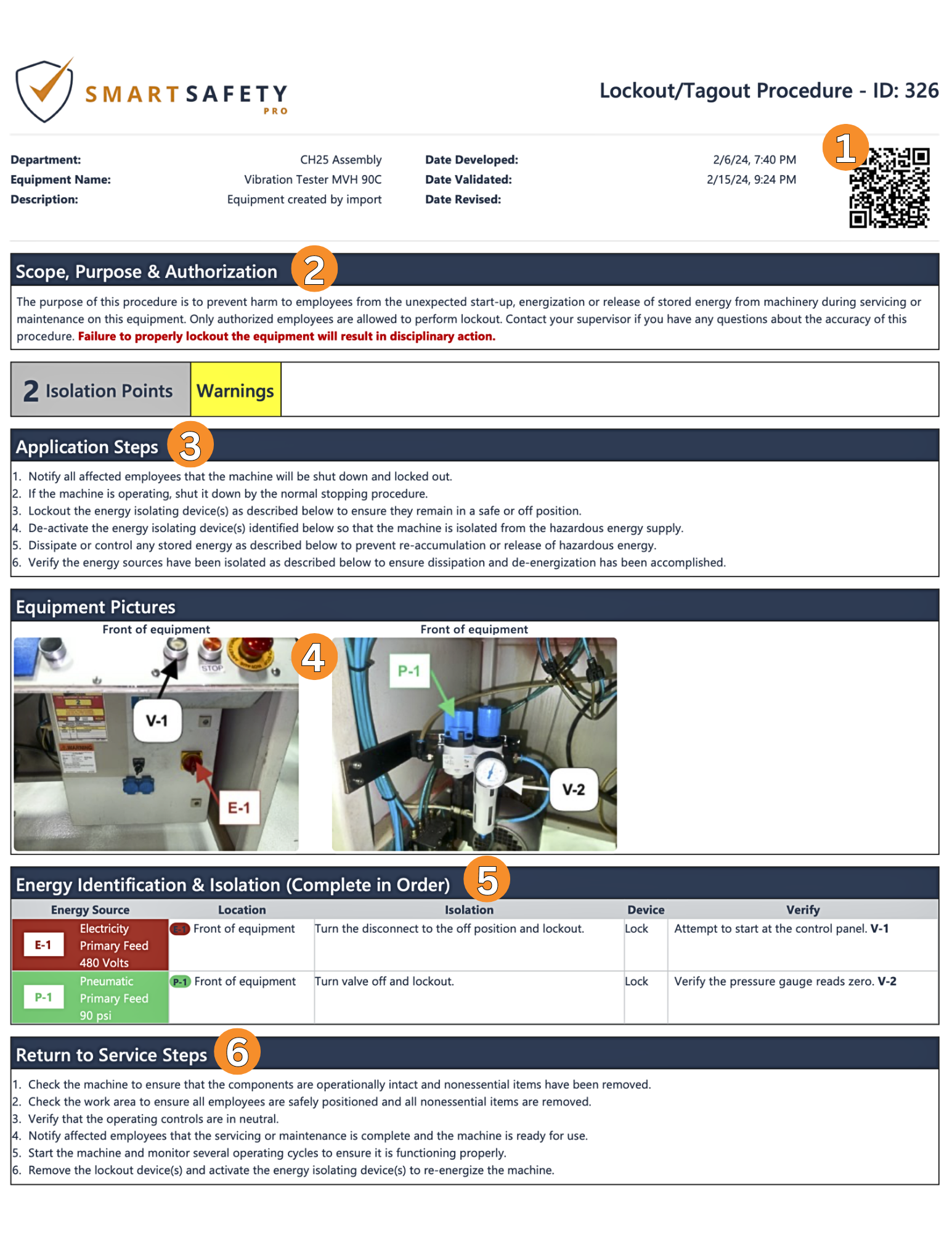
The system generates a standard report containing scope, purpose, authorization, equipment images, isolation instructions, and return-to-service steps.
No formatting work is required. Print the document directly and attach it to the machine.
Is there a shortcut if I have more than one of the same machine?SSsupport2026-08-31T10:17:11-04:00
After a LOTO procedure is finished and submitted it is ready for approval. The Authorized User can review the procedure in the mobile app, make any necessary changes, then digitally approve it.
This activates the procedure QR code so that it can be scanned to auto-launch the mobile procedure execution anytime lockout tagout is required.
Is there version tracking included?SSsupport2025-12-23T10:34:20-04:00
Anytime a lockout tagout procedure is unapproved, edited, and re-approved, it is assigned a new procedure ID number.
This offers version tracking when reviewing historical reports and makes it possible to see which lockout tagout procedure was used at any point in time.